Google Ranking Positions 1 to 100 and Click-Through Rate
How do clicks change by Google ranking position?
Clicks are concentrated at the very top of Google. The first organic result usually gets far more clicks than the second, the gap grows down page one, and page two gets very few. Moving up near the top matters most.
Quick verdict: Positions 11 to 20 are the cheapest traffic gains. Prioritize them before chasing new keywords.
Price tier: Free
Run a free checkWhy click-through rate drops so fast
Click-through rate drops fast because searchers scan from the top and stop at the first good answer. Every result and SERP feature above your listing is another chance to stop. Published studies agree on a steep curve, though their exact percentages differ.
Every result above yours, and every SERP feature, is a chance for them to stop before they reach you.
Public click-through studies from many SEO companies over the years agree on the shape of the curve.
Their exact percentages differ, but all show a steep drop across the first few positions, a long flat tail after that, and a sharp fall between page one and page two.
We deliberately do not quote a single percentage per position here. Real click-through rates vary a lot by keyword type, brand searches, SERP features and device, so a number from someone else's data can mislead you.
Your own Google Search Console data is the most accurate source for your site.
What each range means
Google positions fall into four ranges with different jobs. Positions 1 to 3 collect most clicks, 4 to 10 are improvement candidates, 11 to 20 are striking distance, and 21 to 100 bring almost no clicks but show that Google sees relevance.
Positions 1 to 3
Positions 1 to 3 receive the majority of organic clicks for most keywords. Protect them by keeping the page current, watching the competitors just below you and keeping the title and description compelling, because small slips here cost the most traffic.
These get the majority of organic clicks for most keywords. Protect them: keep the page up to date, watch the competitors just below you, and make sure your title and description stay compelling.
Positions 4 to 10
Positions 4 to 10 sit on page one, but clicks fall with every step down. These pages are often one improvement away from the top three, such as a sharper title, a clearer direct answer or more internal links from related pages.
Positions 11 to 20 (striking distance)
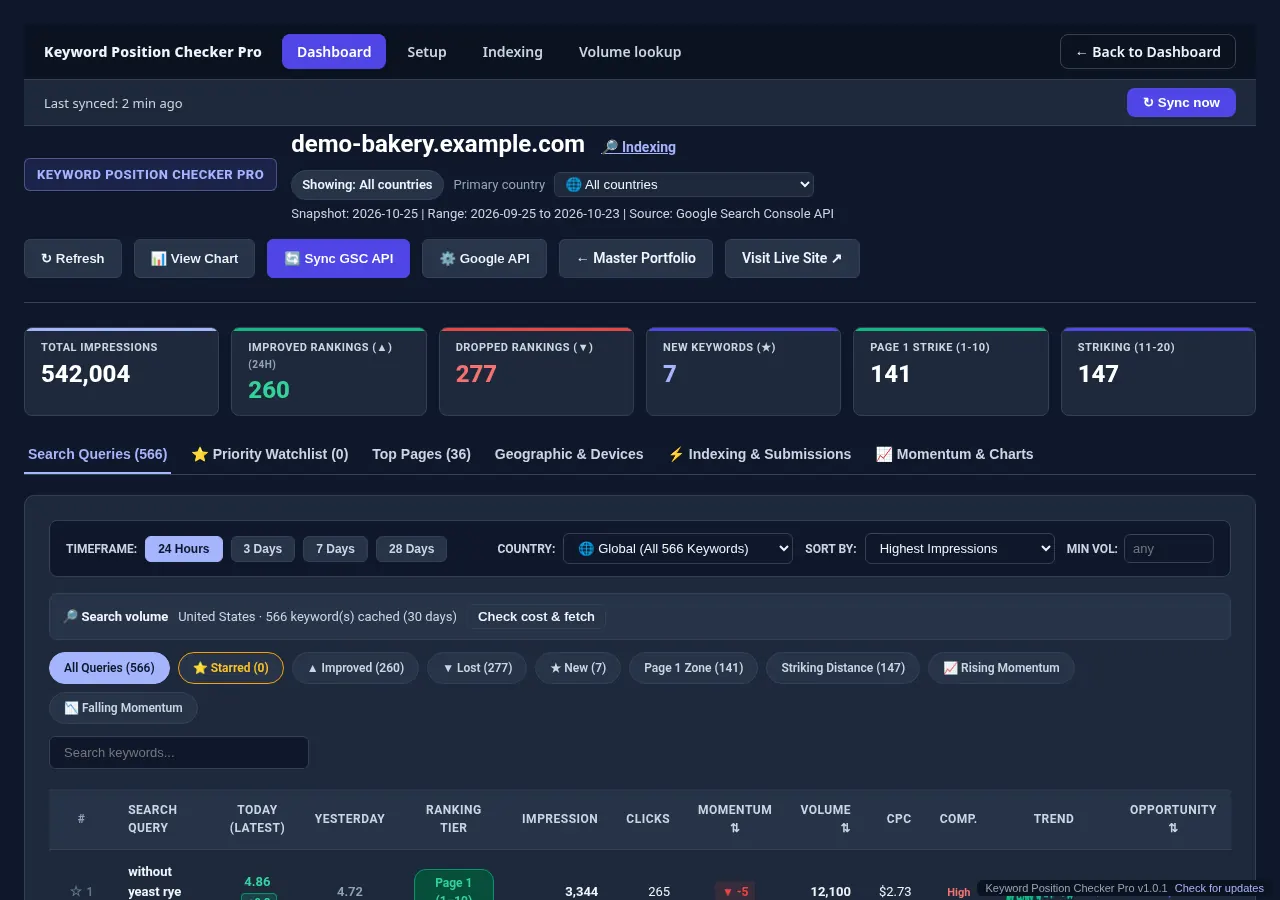
Page two gets little traffic, but Google already sees your page as relevant. This is usually the highest return range to work on, because a modest improvement moves you onto page one. Pro labels this range as "striking" so you can filter it.
Positions 21 to 100
Positions 21 to 100 bring almost no clicks but carry a useful signal. A keyword climbing from 60 to 30 shows Google warming to the page. Compare the page with the current top 10 and close the gaps in depth and intent.
Measure your own CTR
In Google Search Console, the Performance report shows clicks, impressions, CTR and average position per query. A query with a good position but a low CTR usually needs a better title or is dominated by SERP features. See how SERP features affect positions.
Query filters isolate striking distance keywords.
Check one keyword now, or track all of them.
Run a free check with the Keyword Position Checker (3 per day, no sign-up). To follow every keyword on every site each day, see Keyword Position Checker & Tracker Pro for Windows.
Early bird: $299 with code EARLYBIRD for the first 50 buyers (regular price $499). One-time payment, 3 PCs.